Grizzlybit
DuckDB: Quick Start and How It Compares to Postgres 🦆
By Zubair Ahmed · Published 7 min read
- Duckdb
- Duckdb vs postgres
- Postgresql
- Olap
- Analytics
- Sql
- Parquet
- Benchmark
- Data engineering
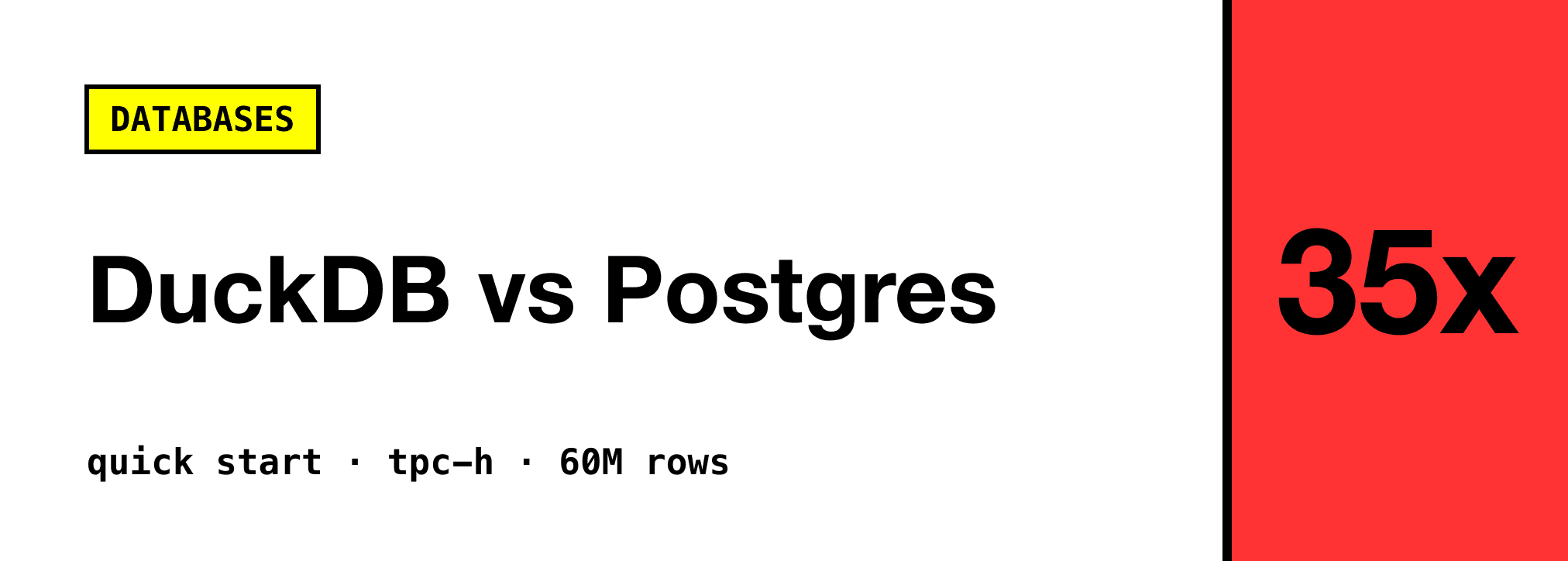
DuckDB is a free, open source (MIT) analytical SQL database that runs inside your process, with no server to set up. It queries CSV, Parquet and JSON files directly, uses a PostgreSQL-style SQL dialect, and is built for scans and aggregations over millions of rows. In my test on 60 million rows, DuckDB 2.0 ran analytical queries 15 to 37 times faster than a tuned PostgreSQL 18, while Postgres was faster at single-row lookups and small writes.
DuckDB is often called "SQLite for analytics", and that is a fair shorthand. Like SQLite, it is a single binary or library with your data in one file. Unlike SQLite (and Postgres), it stores data by column and processes it in batches, which is exactly what you want when the question is "sum this over 50 million rows" rather than "fetch user 42".
🦆 Quick Start
Install
DuckDB 2.0 "Cinnamon Teal" came out on 21 October 2026 and is a long-term support release. On macOS or Linux:
curl https://install.duckdb.org | bash
Or with Homebrew:
brew install duckdb
There are also clients for most languages, for example pip install duckdb for Python and npm install @duckdb/node-api for Node.js. Windows builds are on the installation page.
Query a File Directly
Start the CLI with duckdb and point SQL straight at a file. No CREATE TABLE, no import step:
SELECT o_orderpriority, count(*) AS orders, round(avg(o_totalprice), 2) AS avg_total
FROM 'orders.csv'
GROUP BY ALL
ORDER BY orders DESC;
DuckDB detects the delimiter, header and column types for you. GROUP BY ALL is a DuckDB nicety: it groups by every column that is not an aggregate, so you stop repeating yourself.
Save It, Explore It, Convert It
-- Load the CSV into a table (open the CLI with `duckdb my.db` to persist it)
CREATE TABLE orders AS FROM 'orders.csv';

-- One-line profile of every column: min, max, nulls, quartiles, approx distinct
SUMMARIZE orders;

-- Write a compressed, columnar Parquet file
COPY orders TO 'orders.parquet';

-- FROM-first syntax works too
FROM 'orders.parquet' SELECT o_orderstatus, count(*) GROUP BY ALL;
SUMMARIZE alone is worth the install. It is the fastest way I know to get a feel for an unfamiliar dataset.
Use It From Python
DuckDB can query pandas DataFrames in place, by variable name:
import duckdb
import pandas as pd

df = pd.DataFrame({"city": ["Berlin", "Dubai", "Berlin"], "sales": [10, 20, 30]})

duckdb.sql("SELECT city, sum(sales) AS total FROM df GROUP BY ALL").show()
duckdb.sql("SELECT * FROM 'orders.parquet' LIMIT 5").df()  # back to pandas
Query Your Postgres Database
The postgres extension lets DuckDB attach a live Postgres database and query its tables:
INSTALL postgres;
LOAD postgres;
ATTACH 'host=localhost dbname=app user=postgres' AS pg (TYPE postgres, READ_ONLY);

SELECT count(*) FROM pg.public.orders;
That is handy for joining Postgres data with a Parquet file or exporting a table to Parquet. As the benchmark below shows, it is not a shortcut to faster analytics on its own.
⚡ Benchmark: DuckDB 2.0 vs PostgreSQL 18
Plenty of posts say DuckDB is faster than Postgres for analytics. I wanted my own numbers, including where Postgres wins.
Setup
- Data: TPC-H at scale factor 10, generated with DuckDB's
tpchextension (CALL dbgen(sf=10)). Thelineitemtable has 59,986,052 rows,ordershas 15 million. - Machine: Apple M4 Max, 16 cores, 128 GB RAM.
- DuckDB 2.0.0: native CLI, default settings, using all 16 threads.
- PostgreSQL 18.7: official
postgres:18Docker image with 16 CPUs and 20 GB RAM, tuned for analytics:shared_buffers=6GB,work_mem=512MB,max_parallel_workers_per_gather=8,max_parallel_workers=16. Primary keys on both tables,VACUUM ANALYZEafter loading.EXPLAINconfirmed Postgres used 7 parallel workers. - Method: each query ran once to warm the cache, then three more times. The table shows the median of the three warm runs. Both engines returned identical results.
Analytical Queries
| Query | DuckDB 2.0 | PostgreSQL 18 | DuckDB faster by |
|---|---|---|---|
| TPC-H Q1 (scan + 8 aggregates) | 0.086 s | 3.009 s | 35x |
| TPC-H Q6 (filtered sum) | 0.025 s | 0.935 s | 37x |
| Join 60M + 15M rows, revenue by year | 0.250 s | 3.764 s | 15x |
count(DISTINCT l_partkey) | 0.173 s | 5.050 s | 29x |
That is the columnar, vectorised design doing its job. Q1 touches 7 of lineitem's 16 columns. DuckDB reads only those 7, compressed, and processes them in batches of up to 2,048 values. Postgres reads every row in full and pushes it through its executor one tuple at a time.
Where Postgres Wins
| Workload | DuckDB 2.0 | PostgreSQL 18 |
|---|---|---|
| Fetch one order by primary key | ~1 ms¹ | 0.079 ms |
10,000 single-row INSERTs, each its own commit | 2.47 s | 0.52 s |
¹ DuckDB's CLI timer only reports to the millisecond.
Postgres is an order of magnitude faster for point lookups and almost 5x faster for small transactional writes. This is the workload it was designed for: a B-tree index lookup, a row on a page, a write-ahead log built for many tiny commits. DuckDB is built for the opposite pattern.
Storage and Loading
| Metric | DuckDB 2.0 | PostgreSQL 18 |
|---|---|---|
| On-disk size (both tables) | 2.6 GB | 13 GB² |
| Load the same CSV files (9 GB) | 10.7 s | 88.3 s³ |
| Q1 on a Parquet file instead of a table | 0.189 s | – |
² Includes Postgres's primary key indexes. ³ COPY into UNLOGGED tables, Postgres's fastest load path. Adding the primary key and VACUUM ANALYZE took another 27 s.
DuckDB's compression shrinks the data 5x compared to Postgres. And Q1 straight off a 2.1 GB Parquet file, with no import at all, still ran in under 0.2 seconds.
The Surprise: Attaching Postgres Is Not Faster
I also ran Q1 from DuckDB against the Postgres tables through the postgres extension. It took 6.5 s, about twice as slow as Postgres running the query itself. DuckDB has to pull all 60 million rows over the Postgres wire protocol before it can start its fast columnar work. If you want DuckDB speed on Postgres data, copy the data into DuckDB or Parquet first (or look at pg_duckdb, which embeds DuckDB inside Postgres).
Caveats
- Postgres ran inside Docker Desktop's Linux VM while DuckDB ran natively on macOS. The VM adds some overhead, but not 35x worth. The whole dataset fit in memory on both sides.
- This is one machine, one dataset and a handful of queries. Treat the ratios as an order of magnitude, not a universal law.
- Postgres has analytics extensions (columnar storage, pg_duckdb) that change the picture. I tested stock Postgres.
🤔 When to Use Which
Use Postgres when:
- it is the source of truth for an application,
- many users read and write concurrently,
- queries fetch or update a few rows at a time.
Use DuckDB when:
- you are scanning and aggregating lots of rows,
- the data lives in CSV, Parquet or JSON files (locally or in object storage),
- you want analytics inside a script, notebook, CLI tool or app without running a server.
They are not rivals. A common setup is Postgres for the app and DuckDB for reporting, ad-hoc analysis and data pipelines. PostHog's deep dive on DuckDB vs Postgres explains the architectural differences well if you want to go further.
⚠️ Gotchas
- One writer at a time. A DuckDB database file can be opened by one process for writing. DuckDB 2.0 adds a server mode, but it is not a drop-in replacement for a multi-user Postgres.
- It scales up, not out. DuckDB uses every core and spills to disk when data does not fit in RAM, but it does not shard across machines.
- 2.0 files are not backwards compatible. Databases written by DuckDB 2.0 cannot be opened by 1.x. Pin the version in production and upgrade on purpose.
- Lambda syntax changed in 2.0.
x -> x + 1is off by default. Use the Python-stylelist_transform([1, 2, 3], lambda x: x * 10)instead.
❓ FAQ
Is DuckDB faster than Postgres?
For analytics, yes, often by an order of magnitude. In my TPC-H test on 60 million rows, DuckDB 2.0 was 15 to 37 times faster than a tuned PostgreSQL 18. For single-row lookups and small writes, Postgres was faster.
Can DuckDB replace Postgres?
Not for application databases. DuckDB allows one writer per database file and is optimised for large scans, not many concurrent small transactions. Use it alongside Postgres for analytics.
Is DuckDB free?
Yes. DuckDB is open source under the MIT license and governed by the independent DuckDB Foundation.
Can DuckDB query Parquet and CSV files directly?
Yes. SELECT * FROM 'file.parquet' works without any import step, as do CSV and JSON files, globs like 'logs/*.csv', and files in object storage such as S3.