Grizzlybit
Orca: The IDE for Running Coding Agents in Parallel 🐋
By Zubair Ahmed · Published 6 min read
- Orca
- Orca ide
- Coding agents
- Claude code
- Codex
- Git worktree
- Ai agents
- Developer tools
- Open source
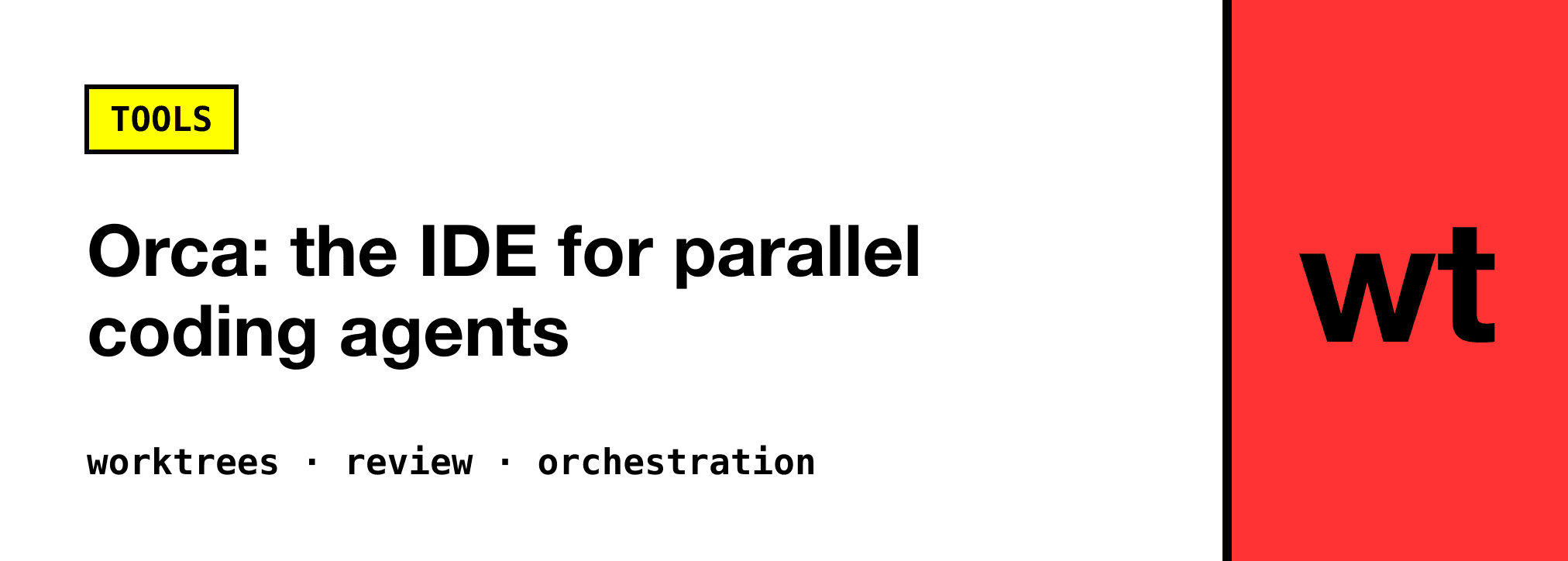
Orca is a free, open source (MIT) IDE for running coding agents like Claude Code, Codex, Gemini and Cursor CLI in parallel, with each task in its own git worktree. It runs on macOS, Windows and Linux, has iOS and Android companion apps, and ships a CLI so your agents can create worktrees and start other agents themselves. Orca is built by Stably AI and you bring your own agent subscriptions.
Running a single coding agent is easy. Running three on the same repo is where it falls apart: they edit the same files, step on each other's branches, and leave you with a pile of diffs you can't tell apart. The usual fix is to juggle git worktree by hand and keep a terminal tab per worktree. Orca turns that workflow into the whole product.
🐋 What Is Orca?
Orca calls itself an agent development environment. The core idea fits in one line from the docs:
"Every task gets its own git worktree, its own agent terminal, and its own browser tab."
So when you start a task, Orca creates a worktree (an isolated checkout of your repo on its own branch), opens an agent in it, and gives it a browser for previews. Five tasks means five worktrees on five branches, so agents never edit the same checkout. When one is done, you review its diff, commit, push and delete the worktree.
What Orca is not matters too: it is not a model, not a replacement for git, and not a hosted service by default. It runs on your machine and drives the agent CLIs you already pay for.
🔥 Features That Matter
Worktrees Without the Ceremony
Creating a worktree is a dialog, not a sequence of commands. Orca runs git fetch and git worktree add in the background and names the branch after the task, or after a linked GitHub PR, Linear or Jira issue. Deleting a worktree removes both the folder and the branch.
The annoying part of worktrees is reinstalling dependencies in every copy. Orca handles that with an orca.yaml at the repo root:
worktree:
  sharedDirectories:
    - node_modules
    - .cache
Those directories must be gitignored and exist in your main checkout.
Works With (Almost) Any Agent
The site lists 27 named agents, including Claude Code, Codex, Gemini, Cursor, GitHub Copilot, OpenCode, Amp, Goose, Cline and Kiro, plus "any other CLI agent". Each one can run as its raw terminal UI or in Orca's chat view, and you can switch between the two mid-conversation.
There is also a usage tracker for Claude, Codex and Grok rate limits and reset times, and you can switch between accounts. If you have hit a Claude Code limit at 4pm, you know why that is useful.
Review Built for AI Diffs
This is where Orca earns the "IDE" label. You get a diff viewer per worktree, and you can comment on exact lines and send those comments back to the agent. Failing CI checks and PR review comments can be sent back the same way. That turns review into a loop instead of a copy-paste exercise.
A Browser With Design Mode
Each worktree gets an embedded browser. Design Mode lets you click an element on the page and copy its HTML, styles and selector, ready to paste into the agent's prompt. For "move this button 8px left" type fixes, that beats describing the element in words.
Agents That Start Agents
Everything you can do in the app, your agents can do through the orca CLI. One agent can spin up a new worktree with another agent and a prompt:
orca worktree create --name promo-tests --agent grok --prompt "Cover EU promo codes"
For bigger jobs there is an experimental orchestration mode: a coordinator agent creates tasks, starts workers in their own worktrees, and waits for their reports.
# Coordinator: create a task and hand it to a Codex worker in a new worktree
orca orchestration task-create --spec "Audit billing settings for mobile layout" --task-title "Billing audit" --json
orca orchestration worker-start --task <taskId> --worktree new-child --name billing-audit --agent codex --setup run --json

# Coordinator: block until a worker finishes, asks a question or escalates
orca orchestration check --wait --types worker_done,escalation,question --timeout-ms 900000 --json
Workers report back with orca orchestration send --type worker_done, and can ask the coordinator a blocking question with orca orchestration ask. It is a proper task queue, not just agents shouting into each other's terminals. Turn it on under Settings → Experimental.
Runs Remotely Too
Worktrees don't have to live on your laptop. Orca can run them on an SSH host, a self-hosted Remote Orca Server, or a cloud VM, so agents keep working when your laptop sleeps. The mobile companion pings you when an agent needs input, and you can reply from your phone.
And a Lot More
Scheduled automations (nightly dependency bumps, flaky-test sweeps), computer use for apps with no CLI, an iOS Simulator or Android emulator beside the agent, dictation, file and PDF previews, and a plugin system for themes, editors and panels. The changelog moves fast, so check orca.dev/changelog for what is new.
🚀 Getting Started
Orca runs on macOS (Apple silicon and Intel), Windows and Linux. Grab a build from orca.dev/download, or use a package manager.
On macOS with Homebrew:
brew install --cask stablyai/orca/orca
Use the full name. The bare orca cask is an unrelated Plotly tool.
On Arch Linux:
yay -S stably-orca-bin
Then:
- Open a repo in Orca and create a worktree for your first task.
- Pick an agent (Claude Code, Codex, or whatever you use) and give it a prompt.
- Create two more worktrees with different tasks, or the same task to race agents against each other and keep the best result.
To let your agents drive Orca, register the CLI under Settings → General → Orca CLI and check it works:
orca status --json
You can also install the Orca CLI skill so your agent knows the commands:
npx skills add https://github.com/stablyai/orca --skill orca-cli
🤔 Orca or Herdr?
I recently wrote about Herdr, which solves a nearby problem. Herdr is a lightweight app built around real terminals that tells you who is working, done or waiting. Orca is a full IDE built around worktrees, diff review and a browser. If you live in the terminal and manage branches yourself, Herdr stays out of your way. If you want worktrees, review and previews handled for you, Orca is the bigger toolbox.
⚠️ A Few Gotchas
- Worktrees are real checkouts. They share git history, but each one has its own full set of files on disk. Use
sharedDirectoriesfor heavy folders likenode_modules, and delete worktrees you are done with. - Orchestration is experimental. The commands have already changed once (
orca orchestration runis retired), so expect more churn. - You still pay for the agents. Orca is free, but every parallel agent burns your Claude, Codex or other subscription.
❓ FAQ
Is Orca free?
Yes. Orca is free and open source under the MIT license. The source is on GitHub. You bring your own agent subscriptions.
Which coding agents does Orca support?
Claude Code, Codex, Gemini, Cursor CLI, GitHub Copilot, OpenCode, Amp, Goose, Cline, Kiro and more than a dozen others, plus any CLI agent that runs in a terminal.
Why does Orca use git worktrees?
So agents can work in parallel without conflicts. Each task gets its own checkout and branch, so agents don't overwrite each other's changes, and you merge the results when you are ready.
Can I run Orca agents on a remote server?
Yes. Worktrees can run on an SSH host, a self-hosted Remote Orca Server or a cloud VM, and the mobile app lets you check in on them from your phone.